Home is the daily desk. Same data in every Experience Mode — only how much you see changes. Tap the ? in the top bar to label Home in waves. On-screen Click here to CONTINUE / Click here to go BACK, and Click here to CLOSE on the last wave — nothing auto-advances. Tap PX in the bottom bar to try Beginner, Standard, or Power User. No data loss.
PX Beg
Beginner
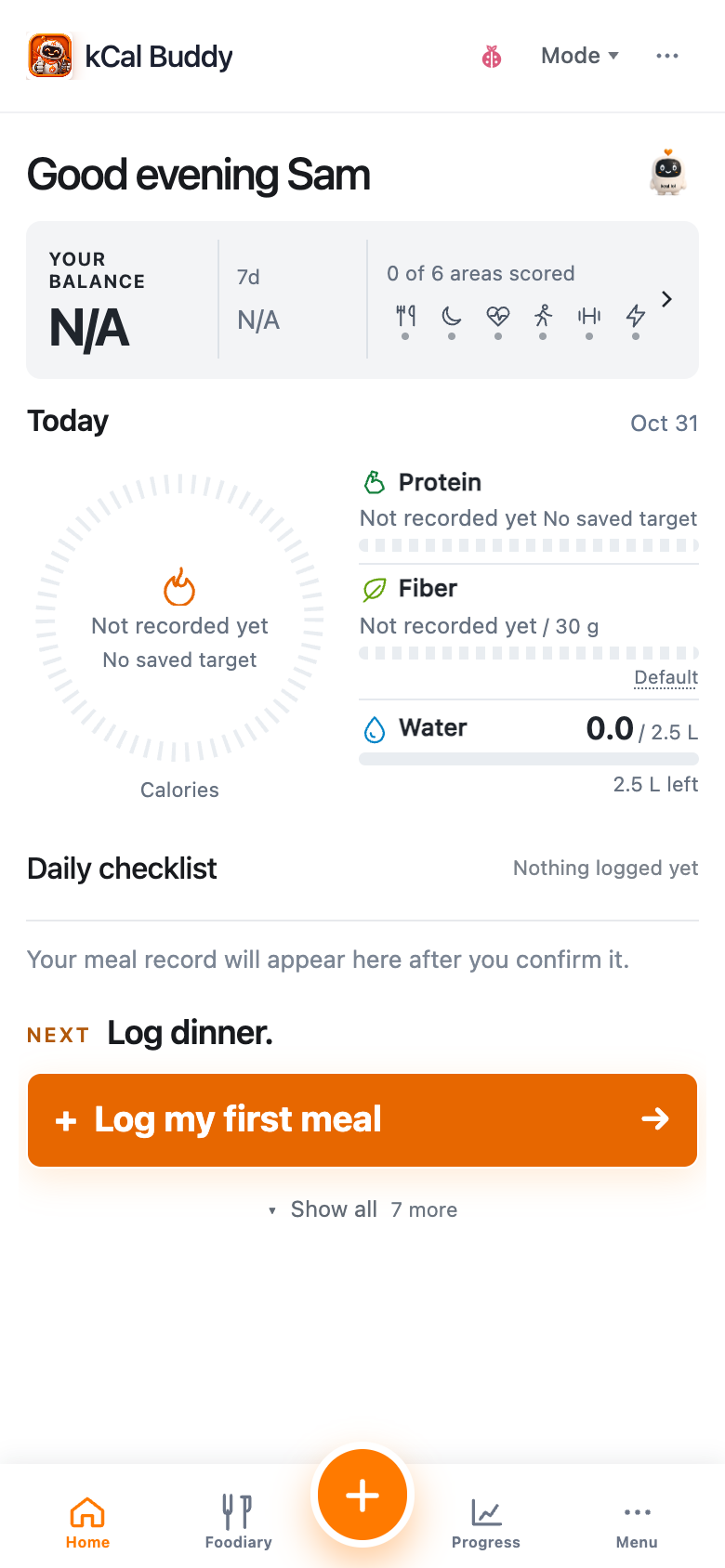
Your day at a glance: Balance, calorie progress, three nutrient bars and saved meals. One clear next action.
Bottom tabs: Home · Foodiary · + · Progress · Menu
1
Top bar
kCal Buddy, Mode and More. Help, language, appearance and Settings are in More.
2
Your Balance
Tap the real Balance points for the calculation; tap its history or six signals to explore the evidence.
3
Today
One calorie arc plus protein, fibre and water bars. Tap any metric for details. Daily burn is a separate estimate.
4
Done and next
Saved meals show your own photos when available, or their saved facts. Tap a meal for Foodiary. One NEXT and the orange Buddy action sit below; Show all reveals other tasks.
5
Bottom tabs
Home · Foodiary · the circular orange + · Progress · Menu. The existing footer stays.
PX Std
Standard
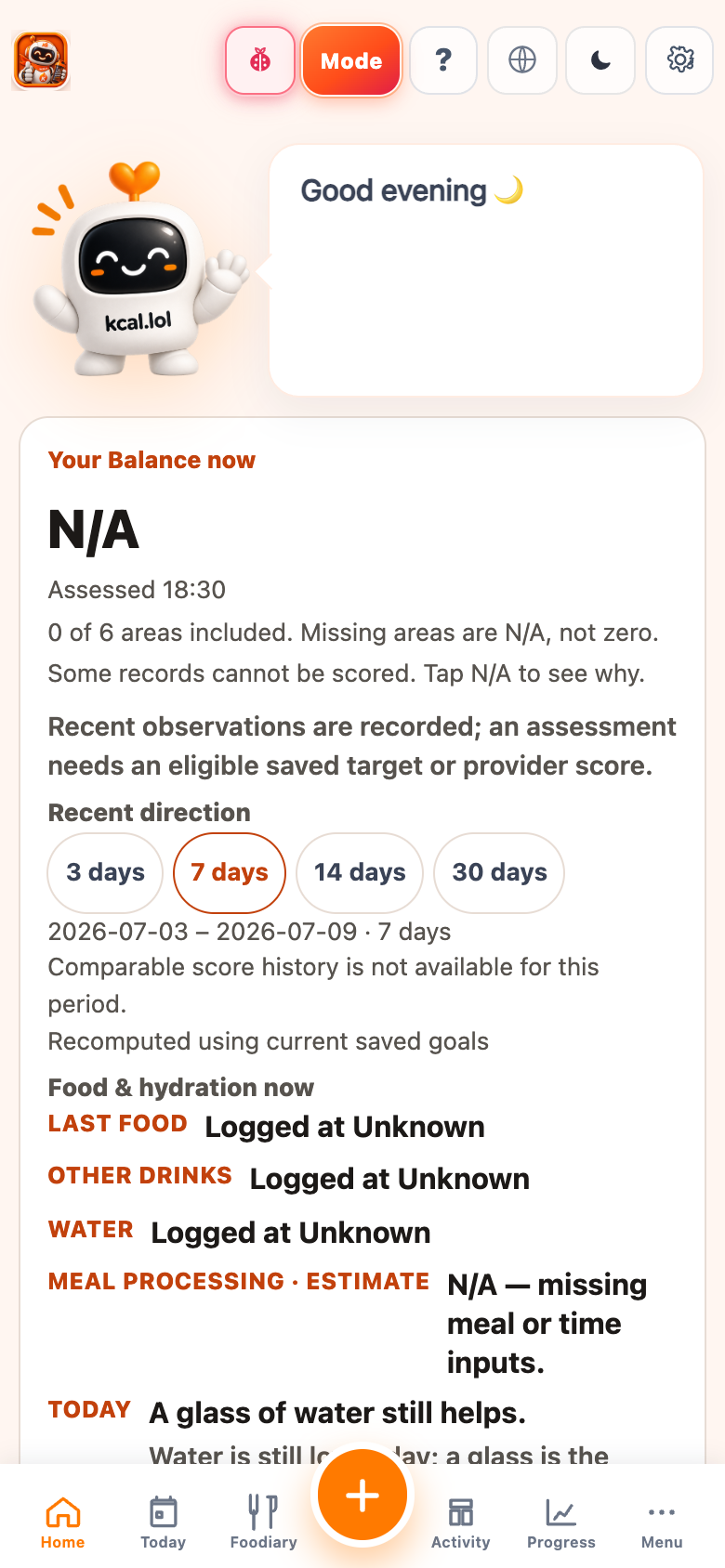
Buddy is the host. Today’s Progress is the compass. Health cards sit under the budget.
Bottom tabs: Home · Meal Plan · Foodiary · Activity · Progress · Spaces · Menu
1
Buddy host
Larger Buddy and a short greeting. Language, theme, and Settings stay on the right.
2
Toolbox
Camera is the orange hero. Water, Weight, and Cart stay quiet (white chips, colored icons). Cart is last. Dashboard cards keep the strong colors.
3
More
Camera’s chevron: Camera, Photo, Receipt / File, Text input, Voice — A–Z. Text is how you type a meal.
4
Today clock
Date, time, sun timeline, weather. Context — not a log.
5
Today’s Progress
Daily energy budget: Food · Exercise · Remaining. No TEF in Standard.
6
Health cards
Protein · Fiber · Water · Drinks. Tap a card for details.
7
Bottom tabs
Home plus Meal Plan, Foodiary, Activity, Progress, Spaces, PX Std, Menu.
PX Pwr
Power User
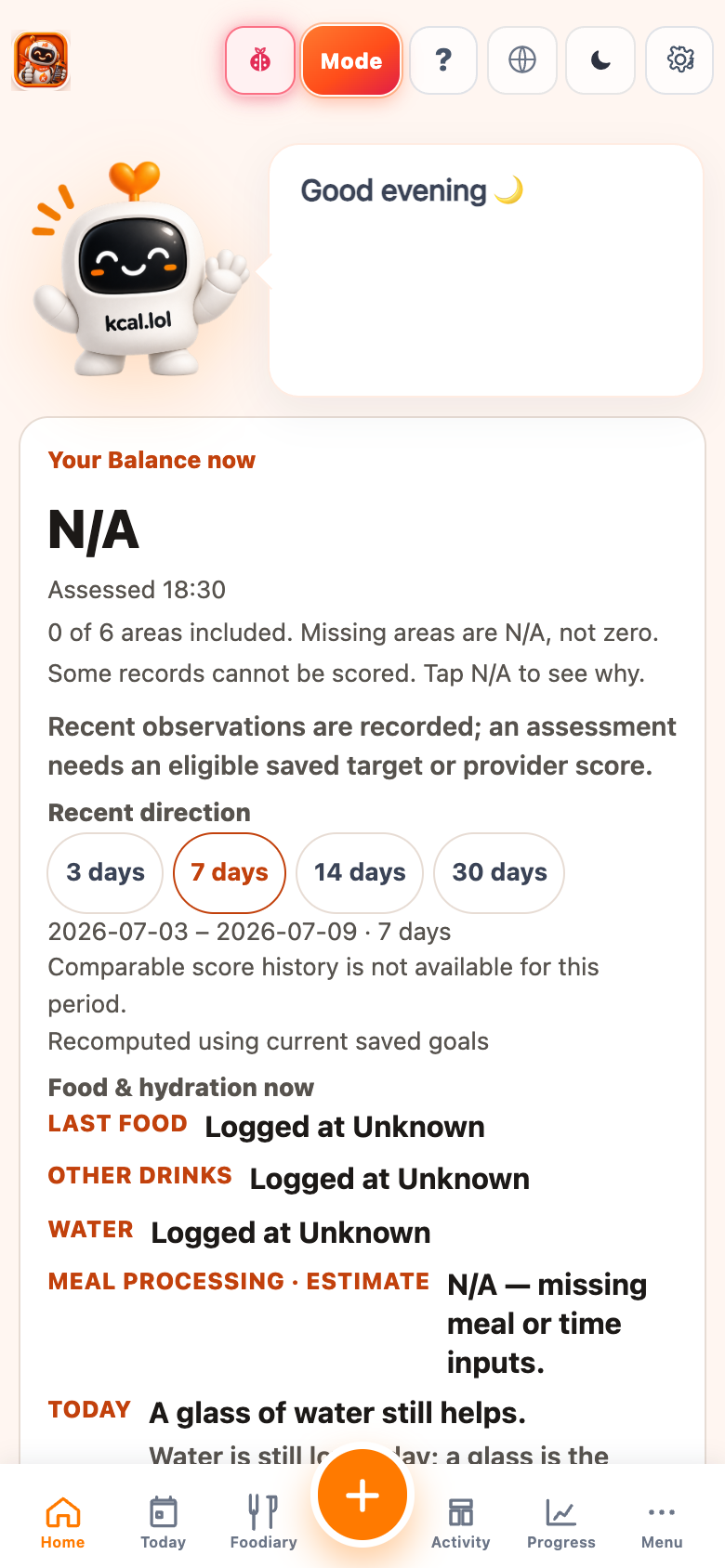
Same Home as Standard, with TEF and leucine on the budget and protein card.
Bottom tabs: Same tabs as Standard · desktop can add Reports · Insights · Goals
1
Buddy host
Same toolbox as Standard: Camera · Water · Weight · Cart.
2
Energy budget + TEF
Food · TEF · Exercise · Remaining. TEF is the extra burn from eating — not a second meal.
3
Protein + leucine
Protein card shows a leucine estimate. Fiber, water, drinks stay as in Standard.
4
Everything else
Clock, tip, mission, Spaces glance — richer detail, same jobs. PX Pwr in the bottom bar.
PX is beta presentation only. Your logs stay. Switch anytime.
Help Platform
Your mobile Home screen, explained for Beginner, Standard, and Power User — then Help, Academy, and docs.